
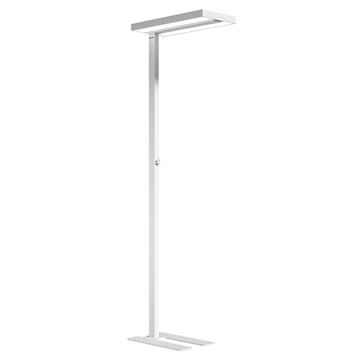


In today's digital-first design landscape, visual professionals spend unprecedented hours working under artificial illumination. Research from the American Institute of Graphic Arts (AIGA) reveals that 68% of designers exceed 10 hours of daily screen time, resulting in chronic visual fatigue rates three times higher than the general population. This alarming statistic underscores a critical workplace health issue that extends far beyond simple discomfort—inadequate lighting directly impacts creative output, color accuracy, and long-term ocular health.
The modern designer's workspace has evolved dramatically from traditional drafting tables to multi-monitor setups, requiring sophisticated lighting solutions that address both ergonomic and professional demands. Whether you're a freelance graphic artist working from a home studio or a UI designer in a bustling agency, understanding how to choose desk lamp for graphic designers becomes essential for maintaining peak performance while safeguarding your vision.
This comprehensive guide examines designer visual protection lighting through the lens of professional specialization, exploring how different design disciplines require tailored illumination strategies. From color-accurate lighting for designers working with print materials to ergonomic lighting for digital artists managing complex 3D environments, we'll decode the technical specifications that separate adequate lighting from professional-grade illumination systems.
Understanding Visual Demands Across Design Specializations
Graphic Design Professionals: Masters of Color and Composition
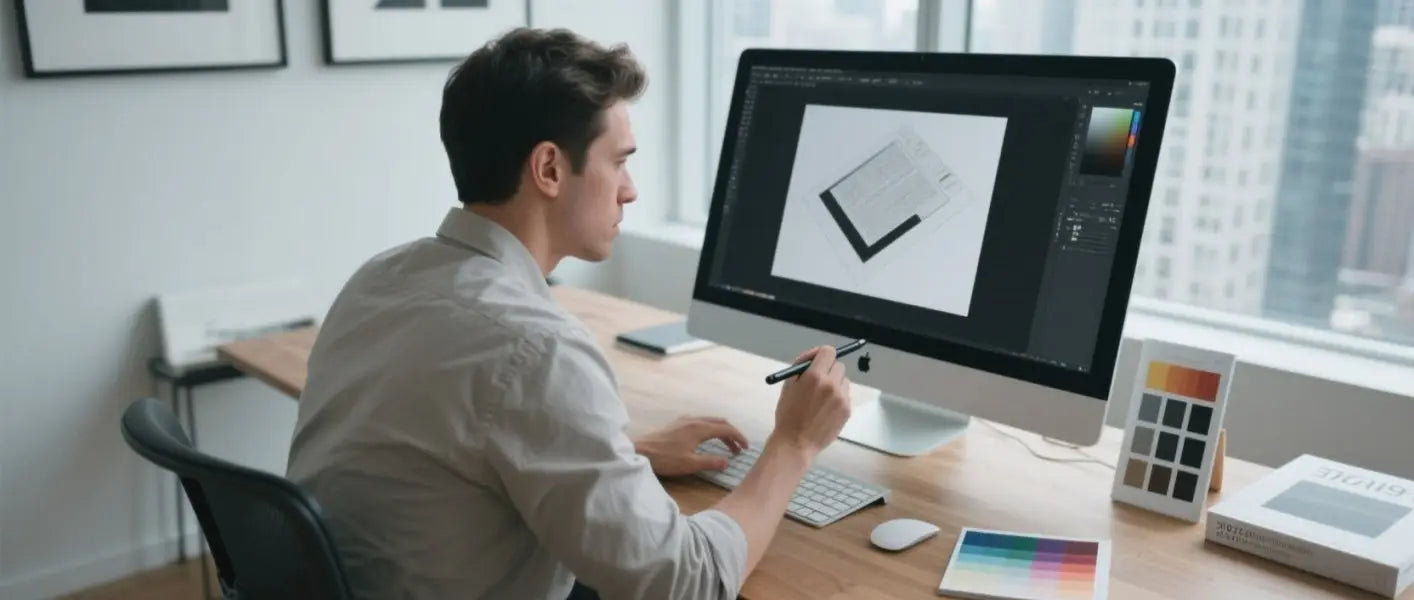
Graphic designers navigate one of the most visually demanding professional landscapes, requiring precise color discrimination while transitioning seamlessly between digital screens and physical materials. A typical workday begins with reviewing client briefs on high-resolution monitors, followed by hours of meticulous work in Creative Suite applications where every pixel matters.
The challenge intensifies when designers must match color swatches with on-screen representations—a process that demands consistent, high-quality illumination. Without proper lighting, designers experience color temperature shifts that can lead to costly printing errors and client dissatisfaction. The human eye's ability to distinguish between similar hues deteriorates rapidly under poor lighting conditions, with studies showing a 15% decrease in color accuracy after just four hours of inadequate illumination.
Professional graphic designers frequently alternate between detailed vector work requiring intense focus and broader compositional reviews demanding peripheral awareness. This dynamic visual environment places extraordinary strain on the accommodative muscles responsible for focusing, leading to symptoms ranging from headaches to blurred vision. The situation becomes particularly challenging when working with reflective materials like glossy paper stocks or metallic inks, where glare can completely obscure critical design elements.
Long-term exposure to improper lighting conditions poses serious health risks for graphic professionals. Recent ophthalmological studies indicate that designers working under inconsistent illumination show accelerated signs of age-related macular degeneration, with damage patterns appearing 8-10 years earlier than in age-matched control groups. The constant micro-adjustments required when lighting conditions fluctuate create cumulative stress on retinal cells, particularly those responsible for fine detail perception.
The financial implications extend beyond health concerns. Color matching errors resulting from poor lighting have been identified as the leading cause of print production delays, with the average graphic design studio losing approximately $3,200 annually due to lighting-related mistakes. These errors typically occur when designers approve colors under incorrect illumination conditions, only to discover significant variations when projects reach production environments with standardized lighting.
UI/UX Design Specialists: Digital Interface Architects
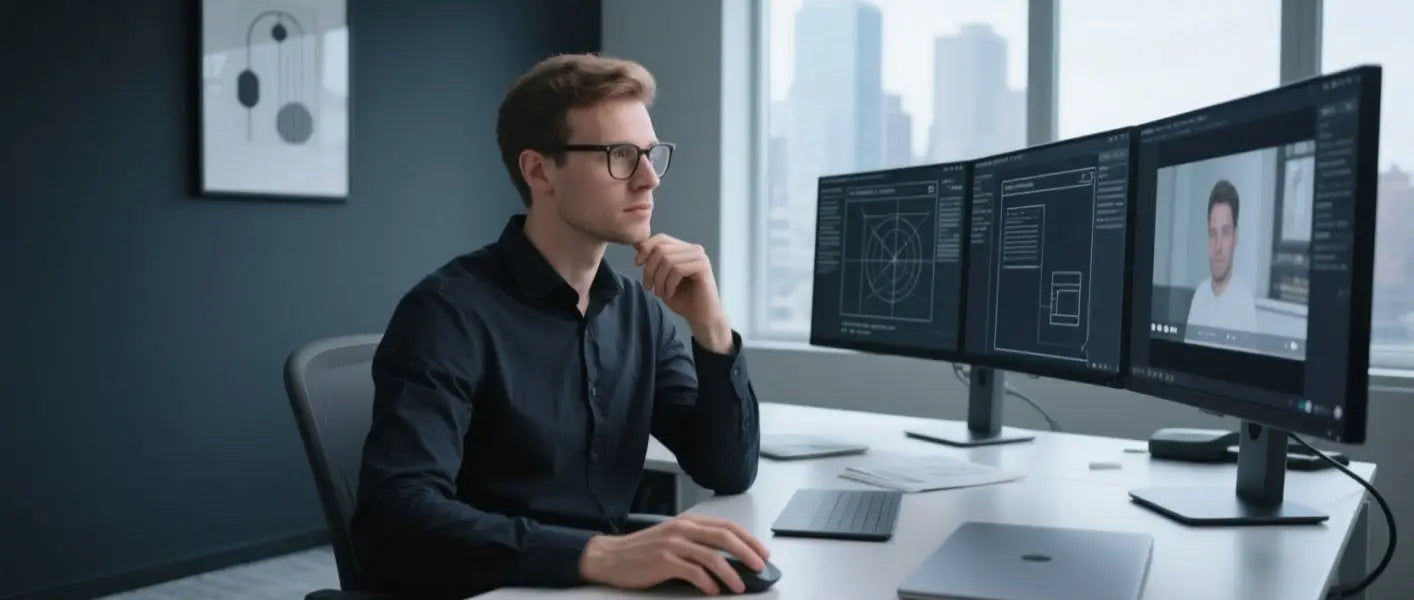
User interface and user experience designers operate in an entirely digital realm, yet their lighting needs present unique challenges that distinguish them from their print-focused colleagues. The typical UX designer's workstation features multiple high-resolution monitors displaying various interface states simultaneously—wireframes on one screen, live prototypes on another, and user testing videos on a third.
This multi-screen environment creates complex lighting scenarios where ambient illumination must complement rather than compete with screen emissions. Dark mode interfaces, increasingly popular in modern applications, require careful lighting balance to prevent excessive contrast ratios that can trigger severe visual fatigue. UX designers report that working on dark interfaces under bright ambient lighting creates a "lighthouse effect," where the contrast between bright surroundings and dark screens causes rapid pupil fluctuations leading to headaches and concentration difficulties.
The collaborative nature of UX work introduces additional lighting considerations often overlooked in traditional design discussions. Video conferencing, now integral to the design process, requires facial illumination that doesn't interfere with screen visibility. Poor lighting during client presentations can undermine designer credibility, while inadequate task lighting during detailed prototyping work can lead to interface elements being improperly sized or positioned.
Circadian rhythm disruption represents a significant occupational hazard for UI/UX professionals, who frequently work extended hours to meet project deadlines. The combination of screen blue light exposure and artificial ambient lighting can severely impact sleep patterns, with 73% of UX designers reporting sleep quality issues directly correlated to their work lighting environment. This disruption doesn't merely affect rest—it impairs the creative thinking and problem-solving abilities essential to effective user experience design.
Research conducted by the Nielsen Norman Group found that UX designers working under optimized lighting conditions demonstrated 23% improved accuracy in user testing analysis and 18% faster prototyping speeds compared to those working under standard office illumination. These performance improvements translate directly to project efficiency and client satisfaction, making proper lighting an investment in professional competitiveness.
3D Modeling and Animation Artists: Spatial Visual Virtuosos
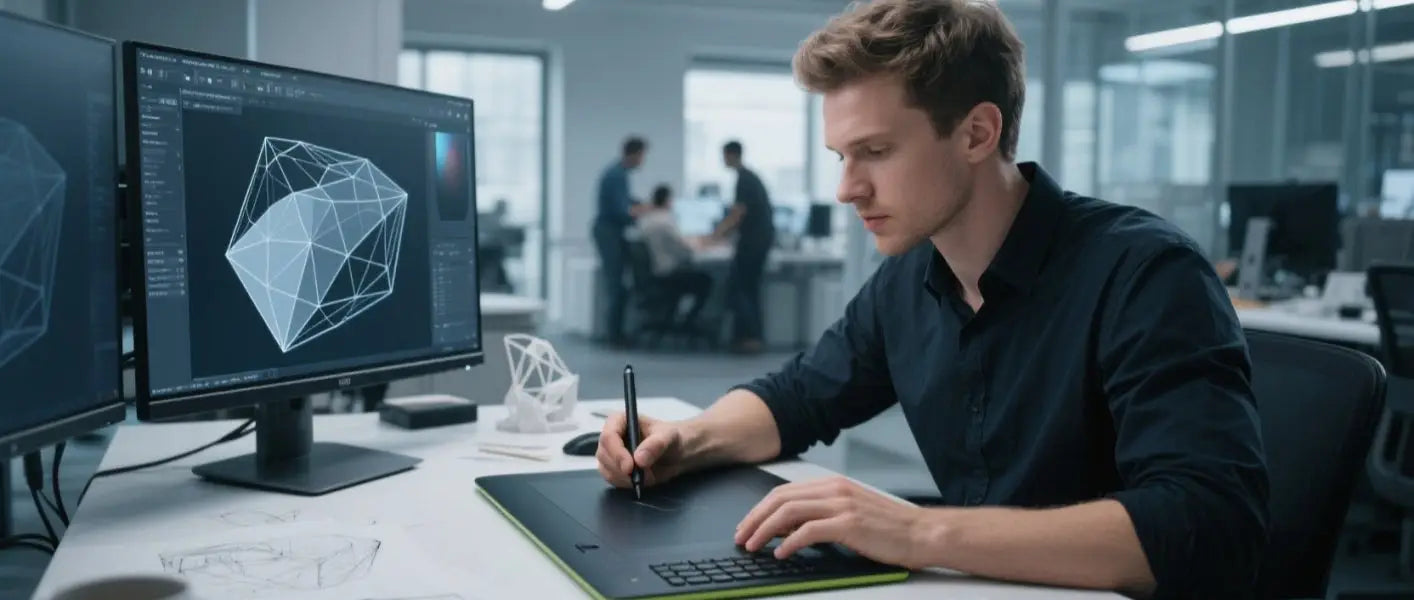
Three-dimensional artists face perhaps the most complex visual challenges in the design spectrum, requiring sustained focus on intricate geometric details while maintaining awareness of overall spatial relationships. The work involves constant mental rotation of complex objects, detailed texture painting, and precise vertex manipulation—tasks that demand exceptional visual acuity and depth perception.
The technical nature of 3D software interfaces compounds these challenges. Applications like Maya, Blender, and 3ds Max feature dense tool palettes with subtle iconography that becomes difficult to distinguish under poor lighting. Many 3D artists develop custom workspace layouts optimizing screen real estate, but these personalized interfaces often suffer when lighting conditions change throughout the day. The result is reduced efficiency and increased error rates during critical modeling phases.
Material and texture work represents a particularly demanding aspect of 3D artistry requiring specialized lighting consideration. Artists spend hours refining surface properties, adjusting bump maps, and fine-tuning material nodes—work that depends entirely on accurate color perception and contrast sensitivity. Inadequate lighting during these phases can result in materials that appear correct in the creation environment but fail dramatically when rendered or viewed in different contexts.
The physical demands of 3D work extend beyond visual requirements. Artists frequently use graphics tablets and styluses for detailed sculpting work, creating hand-eye coordination challenges when workspace lighting creates shadows or glare on tablet surfaces. Professional 3D artists report that inconsistent lighting disrupts their spatial awareness, leading to increased rates of repetitive strain injuries as they unconsciously adjust posture to compensate for visual difficulties.
Long-term health implications for 3D professionals include elevated risks of stereoscopic vision degradation. The constant shifting between 2D screen interfaces and 3D spatial visualization under inadequate lighting conditions can impair binocular vision coordination. Studies from the Entertainment Software Association indicate that professional 3D artists show measurable declines in depth perception accuracy after five years of career exposure to suboptimal lighting conditions.
Professional Lighting Standards and Technical Specifications
Industry Standards Framework
Understanding designer visual protection lighting requires familiarity with international standards governing professional illumination. The ISO 3664:2009 standard establishes that color temperature should be relative to natural daylight with a correlated color temperature of about 5000K, creating the foundation for accurate color evaluation in graphic arts applications.
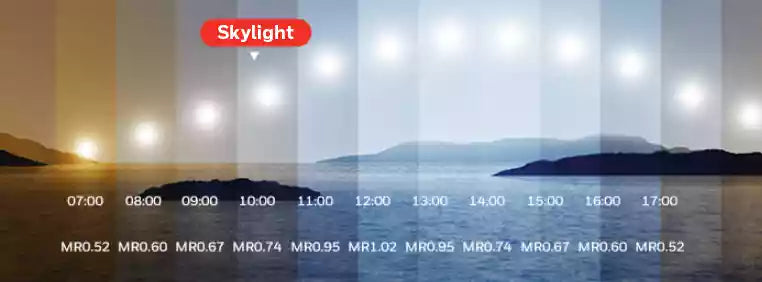
The Color Rendering Index (CRI) represents another critical specification for professional designers. While consumer lighting often achieves CRI ratings of 80-85, professional design work requires CRI ratings exceeding 95 to ensure accurate color discrimination. This specification becomes particularly important when designers must match physical materials with digital representations or when creating work intended for various output conditions.
Illumination levels, measured in lux, vary significantly across design disciplines. The recommended range for general office work (300-500 lux) proves inadequate for detailed design tasks requiring sustained visual attention. Professional recommendations suggest 750-1000 lux for graphic design work, with even higher levels (1000-1500 lux) recommended for detailed 3D modeling and technical illustration.
Technical Parameter Matrix by Design Discipline
|
Design Specialty |
Color Temperature |
CRI Minimum |
Illumination Level |
Special Requirements |
|
Graphic Design |
5000-6500K |
≥95 |
750-1000 lux |
UV-filtered, anti-flicker |
|
UI/UX Design |
3000-5000K (adjustable) |
≥90 |
500-750 lux |
Blue light control, dimming |
|
3D Modeling |
4000-5500K |
≥90 |
1000-1500 lux |
Shadow-free, multi-directional |
|
Digital Art |
5000-6000K |
≥93 |
800-1200 lux |
Color accuracy priority |
These specifications reflect the nuanced requirements of professional design work, where lighting quality directly impacts deliverable quality and professional reputation.
Strategic Equipment Selection by Budget and Application
Entry-Level Professional Solutions ($75-$150)
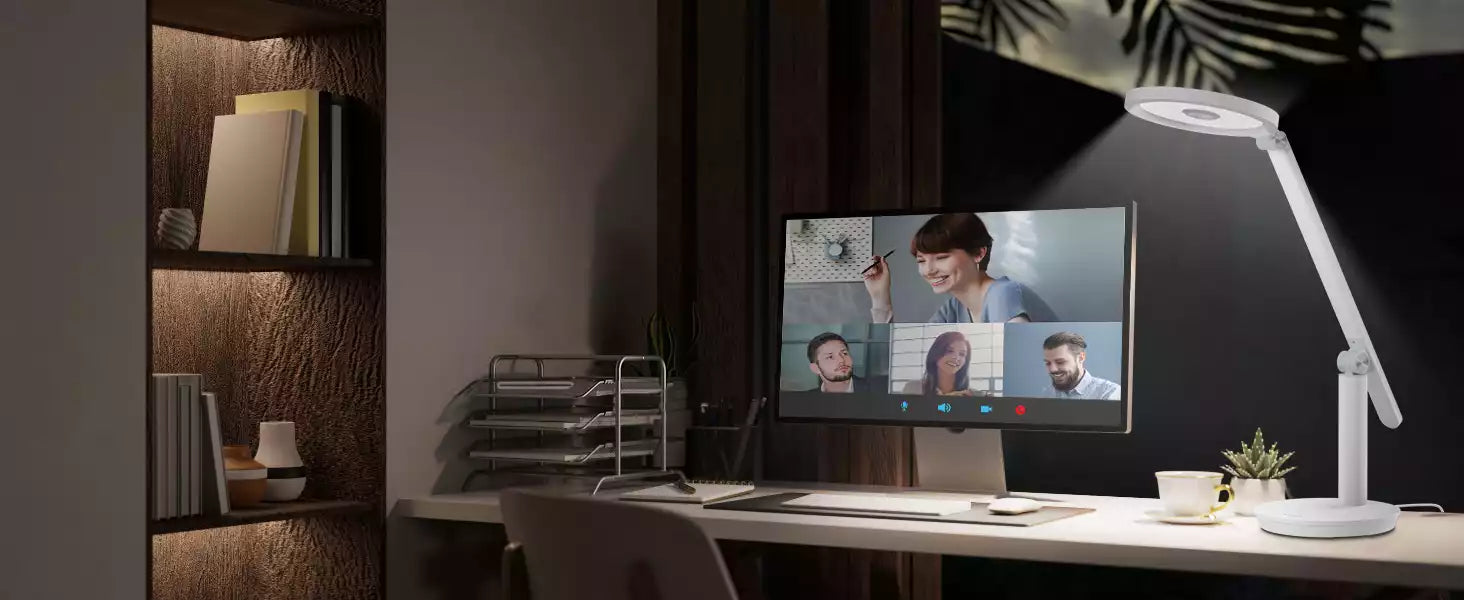
For emerging designers and freelancers establishing home offices, entry-level professional lighting focuses on essential functionality without compromising core performance requirements. The Honeywell H6 desk lamp exemplifies this category with its minimalist Scandinavian design and professional-grade LED technology. Its 360° high-transparency light disk delivers consistent illumination across extended work surfaces, making it ideal for graphic designers transitioning from student to professional environments.
This price range typically includes basic color temperature adjustment, allowing designers to shift between warm (3000K) and cool (5500K) settings depending on project requirements. Stepless dimming controls enable precise illumination adjustment throughout the day, accommodating changing ambient conditions and varying task demands. USB charging integration addresses modern workspace needs, eliminating cord clutter while maintaining device connectivity.
Key selection criteria in this category include build quality sufficient for daily professional use, ergonomic adjustment ranges accommodating various desk configurations. The lighting should provide consistent performance across its adjustment range without noticeable flicker or color shifting that could compromise work quality.
Mid-Range Professional Systems ($150-$300)
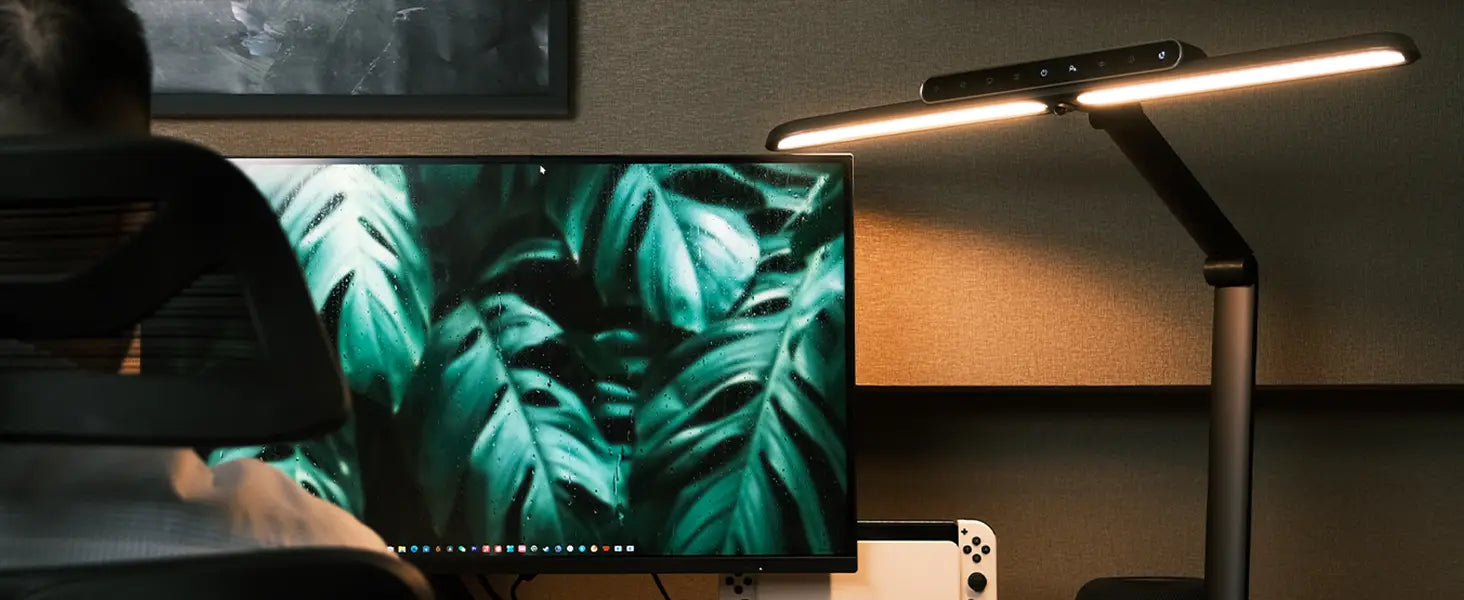
Professional design studios and established freelancers benefit from mid-range lighting systems offering enhanced control and durability. The Honeywell H9 desk lamp represents this category's mutil-functionality approach, featuring flicker-free、suntralux LED lighting with all metal material and adjustable color temperature, ideal for coders and designers requiring multi-zone illumination.
These systems often incorporate memory presets, allowing designers to quickly recall preferred lighting configurations for different project types. Advanced dimming algorithms eliminate the stepping effect common in lower-priced alternatives, providing smooth transitions that don't disrupt concentration during critical work phases. Build quality improves significantly, with aluminum construction and reinforced adjustment mechanisms designed for frequent repositioning.
Mid-range systems frequently include specialized mounting options such as clamp attachments, weighted bases, or articulating arms that provide greater positioning flexibility than traditional desk lamps. This versatility proves essential for designers using multiple monitors, graphics tablets, or reference materials requiring targeted illumination.
Premium Professional Solutions ($300+)
High-end professional lighting systems cater to color-critical applications where accuracy justifies significant investment. These systems often feature spectral analysis capabilities, allowing precise calibration to industry standards. Premium models include environmental sensors that automatically adjust output based on ambient conditions, maintaining consistent working environments throughout the day.
Advanced control systems in this category often integrate with professional calibration software, enabling designers to create custom lighting profiles for specific clients or output conditions. Some premium systems include UV filtering specifically calibrated for art conservation, protecting valuable reference materials while providing optimal viewing conditions.
The durability expectations for premium systems include commercial-grade construction, extended warranty coverage, and serviceable components that support long-term professional use. These investments often pay for themselves through improved work quality, reduced project revision cycles, and enhanced client satisfaction with color-accurate deliverables.
Implementation Strategies and Setup Optimization
Workspace Analysis and Planning
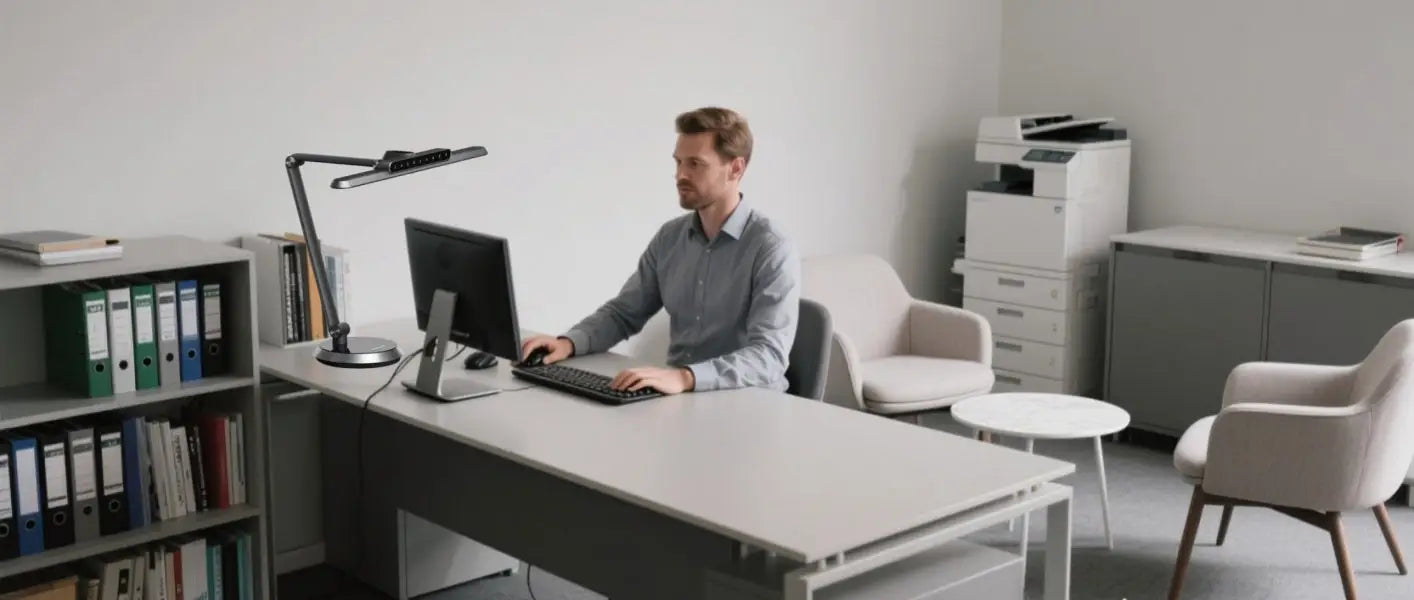
Effective designer lighting begins with comprehensive workspace analysis, evaluating both primary and secondary work surfaces. The primary area typically includes the immediate desk space, keyboard, and mouse areas, while secondary zones encompass reference material storage, client meeting areas, and equipment storage. Each zone requires different illumination strategies tailored to specific tasks.
Monitor placement significantly impacts lighting requirements, with careful attention needed to prevent screen glare while maintaining adequate keyboard and material illumination. The recommended approach positions primary task lighting at 45-degree angles to minimize reflection while providing even coverage across work surfaces. Secondary lighting should fill shadows created by primary sources without creating competing light sources that cause visual confusion.
Professional Setup Configurations
Single-monitor setups benefit from asymmetrical lighting configurations that provide primary illumination from the non-dominant hand side, reducing shadows during writing or sketching activities. The Honeywell Sunturalux series lamps work effectively in these configurations, providing soft and even stable natural light without flicker or ghosting that maintains consistency during extended work sessions.
Multi-monitor configurations require more sophisticated lighting strategies to prevent inter-screen glare while maintaining even illumination across extended work surfaces. Dual-head lighting systems or carefully positioned multiple single-head lamps can create the multi-directional illumination necessary for complex workstations without creating problematic shadows or hot spots.
Collaborative workspaces benefit from adjustable lighting systems that can be quickly reconfigured for different activities. Presentation modes might require reduced task lighting to improve screen visibility, while detailed review sessions need maximum illumination for accurate material evaluation. Memory presets in advanced lighting systems enable rapid transitions between these modes without disrupting workflow continuity.
Health and Productivity Optimization
Circadian rhythm support requires lighting systems capable of mimicking natural daylight patterns throughout the workday. Morning sessions benefit from cooler color temperatures (5500-6500K) that promote alertness and concentration, while afternoon work might use slightly warmer temperatures (4500-5500K) to reduce visual stress during extended sessions.
Break scheduling should incorporate lighting adjustments that provide visual rest periods. Temporary reduction in task lighting intensity, combined with brief focus shifts to distant objects, helps prevent accommodation fatigue that leads to long-term vision problems. Professional designers should implement 20-20-20 rules: every 20 minutes, look at something 20 feet away for 20 seconds, while adjusting lighting to support this practice.


